Over 50 ready products
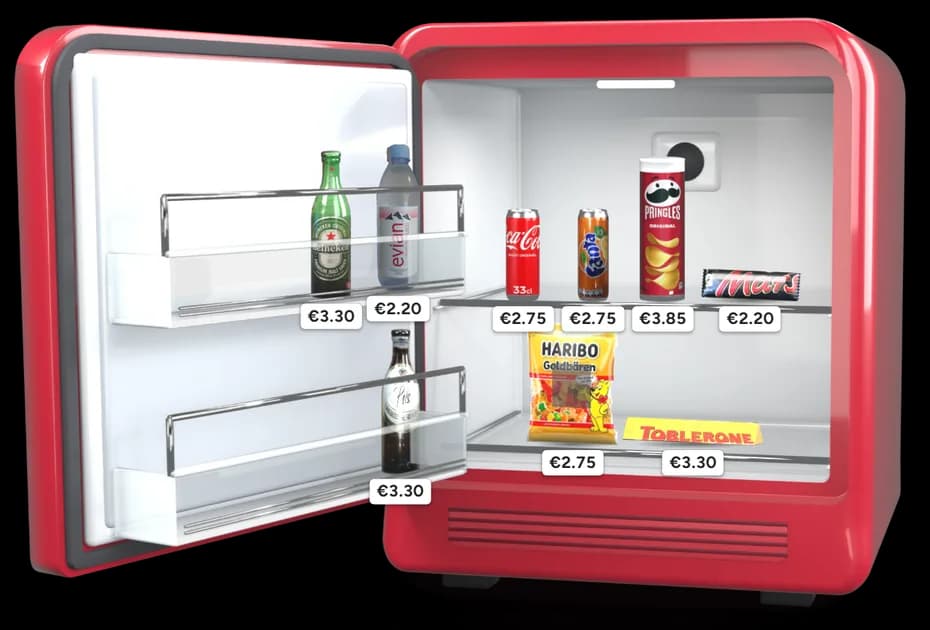
Soft drinks, water, beer, champagne, spirits, snacks and sweets, each with its picture. Search by name and add it with one tap.
For hosts
Guests scan the QR code on your minibar and pay on their phone, and you receive the full price you set.
The BookNoFees minibar for vacation rentals works like a hotel minibar, without staff and without cash. You fill the minibar in your rental with drinks and snacks and set your own prices in the BookNoFees app or your account. Your guest scans the QR code on the minibar, signs in with a free BookNoFees account, picks what they took and pays by card on their phone.
Free for hosts. Your guest pays a 9.9 % service fee on top of your price.
Tap the minibar and try it the way your guests will. Sample products, nothing is charged.
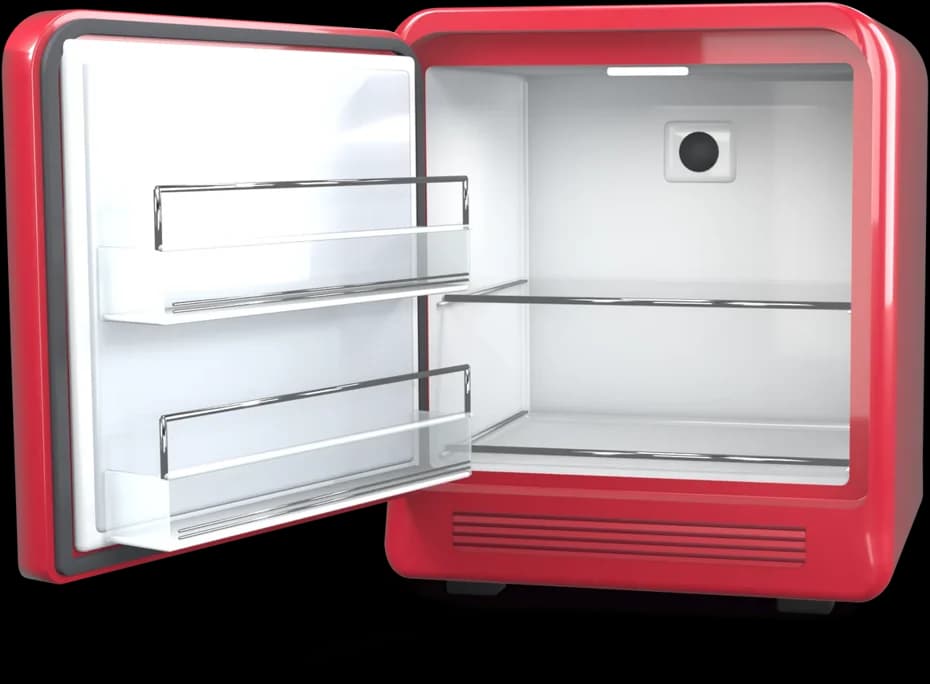
Choose drinks and snacks from the list or add your own, and set a price for each one. You do it in the BookNoFees app or in your account.
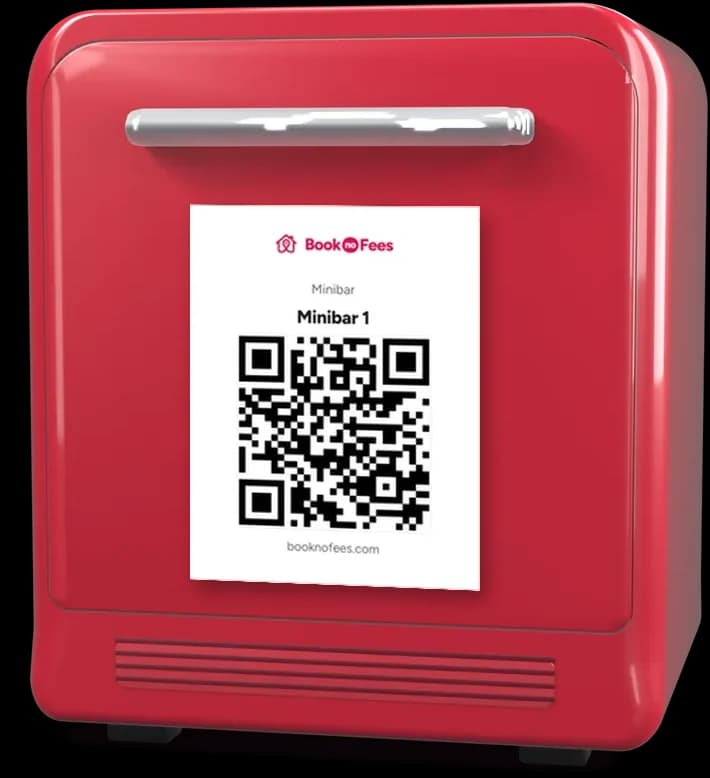
Every minibar gets its own QR card. You print it yourself and stick it on the minibar door.
Your guest scans the code, signs in with a free BookNoFees account the first time, chooses what they took and pays by card on their phone. Apple Pay and Google Pay work through the same card checkout. The receipt goes to the guest.
You decide what is in your minibar, what it costs and when you want to know that something is running low. It takes a few minutes, in the app or in your account.
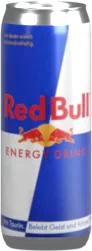
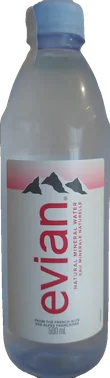
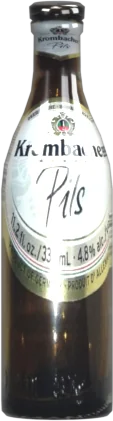
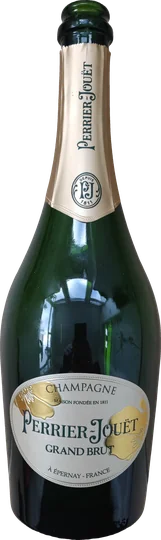
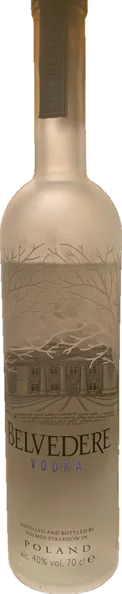
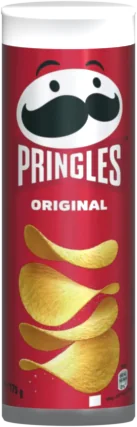
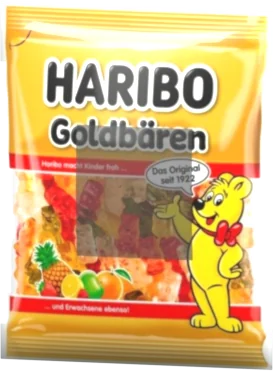

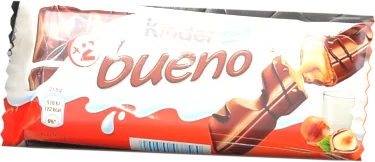
Soft drinks, water, beer, champagne, spirits, snacks and sweets, each with its picture. Search by name and add it with one tap.
Something you sell is not in the list? Add it yourself with its name and price, for example a wine from your region.
You set the price of every article. Your guest pays that price plus the 9.9 % service fee, and you receive your price in full.
For each article you set how many make your minibar full and at how many you want to be warned.
Every sale counts the stock down on its own. In My listings you see at a glance what is running low or sold out, sorted by what needs you first. After you refill, one tap on Refilled sets everything back to full.
The compact minibar with two shelves or the tall one with four. Your guests see the one you choose; what does not fit is listed beneath it.
A cold drink after the journey, a snack in the evening: small purchases your guests would otherwise make somewhere else now add to what your rental earns.
No coins on the table, nothing to count, no change to keep ready. Guests pay by card, and your money is paid out to the bank account you have already given Stripe.
Something cold to drink is waiting when they arrive, and paying for it takes a scan. Nobody has to ask you or look for change.
The minibar is free for hosts, and you receive the price you set in full. Your guest pays a 9.9 % service fee on top of it, already included in the price they see before paying. If you set 3.00, your guest pays 3.30. The fee also covers the card payment costs, so nothing is deducted from your price.
Nothing. Setting up a minibar, printing QR cards and selling are free for hosts, and you receive your own price in full.
Your guest. The fee is added on top of your price and is already included in the price the guest sees before paying.
By card on their phone, after scanning the QR code. The first time, your guest signs in with a free BookNoFees account and then comes straight back to your minibar. Apple Pay and Google Pay work through the same card checkout. There is no cash, and the guest receives a receipt.
You see the stock and the sales of every minibar in My listings, so you can tell what was taken and what was paid for. How you handle a difference is up to you.
Each minibar gets its own QR card in your account. You print it yourself and stick it on the minibar.
The minibar uses the currency of your listing. You set your prices in that currency, and your guest pays in it.
Your share is paid out to the bank account you have already given Stripe.
Set up your first minibar now. It is free for hosts; your guest pays the 9.9 % service fee.
Set up your minibar free